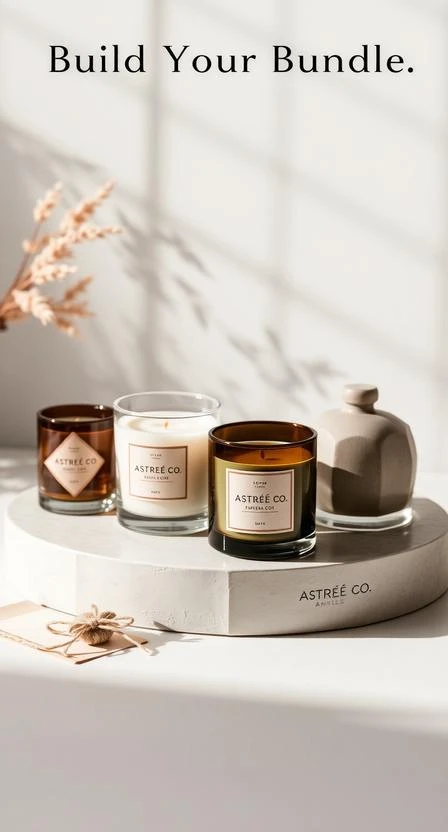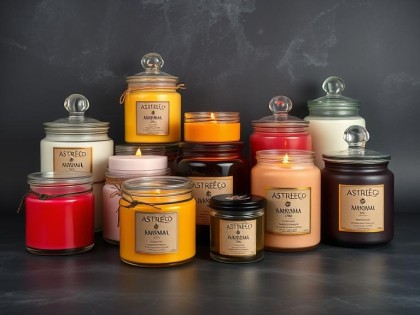
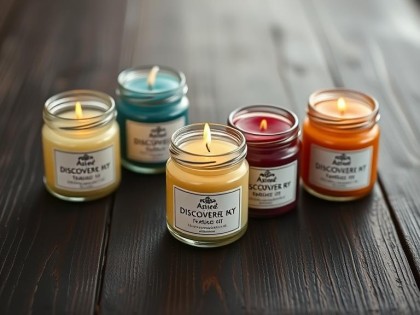
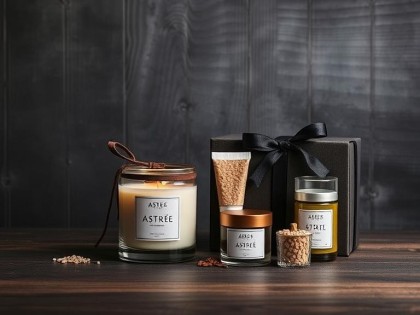



Build Your Bundle lets you create a curated set of candles in one order and automatically receive a bundle discount based on how many items you add. It’s designed to make gifting and restocking simple—choose the scents you love, confirm your sizes, and checkout as one bundle.
Bundle discounts
- 2 items → 10% off
- 3 items → 15% off
- 4 items → 20% off
Discount is applied automatically at checkout when your bundle qualifies.
Step-by-step
- Open Build Your Bundle from the menu or homepage.
- Add your candles to the bundle (choose scent and size if available).
- Review your bundle to confirm quantities and variants (size / color, if applicable).
- Proceed to checkout. Once your bundle reaches 2+ items, the discount will appear automatically.
Good to know
- Automatic pricing: no promo code needed—discount is calculated from the number of bundle items.
- Mix & match: you can combine different scents (and sizes if offered) in one bundle.
- Live updates: adding/removing items updates the discount level in real time.
Troubleshooting
I added items but don’t see the discount—why?
Make sure your bundle includes at least 2 items. Then refresh the cart/checkout page. If the discount still doesn’t appear, check that the items were added from the Build Your Bundle flow (not as separate single purchases).
Can I combine a bundle discount with a promo code?
If promo codes are active, compatibility can vary by campaign. If a code is not applicable, checkout will keep the best eligible discount. When in doubt, contact support with a screenshot of your cart.
What happens if I remove an item?
Your discount level updates automatically. For example, removing one item from a 4-item bundle may move you down to the 3-item discount.
Need help?
If something doesn’t look right, send us a message and include a screenshot of your cart/checkout.
- Email: info@astreeco.ge
- Website: Contact page → Support form