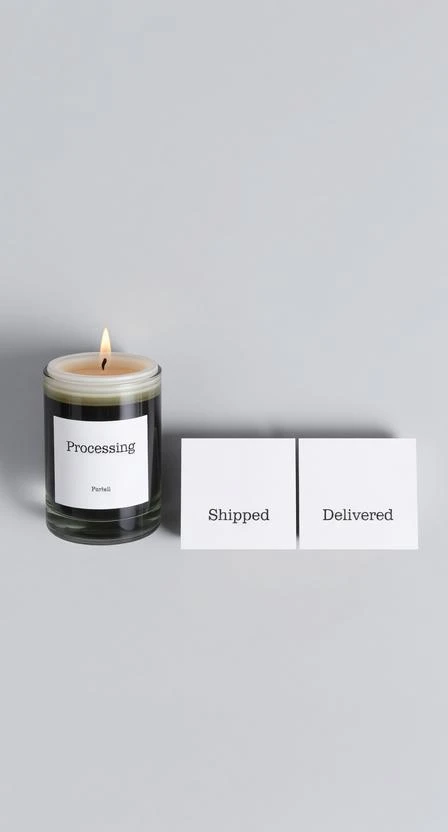






Your order status helps you understand where it is in the fulfillment journey—from preparation to delivery.
Where to check your status
If you have an account, go to Orders and open Details. If you checked out as a guest, use the confirmation email to reference your order.
Status definitions
- Processing: we’re preparing your order (verification, packing, quality checks).
- Shipped: your parcel has been dispatched and tracking may be available.
- Delivered: the carrier marked the parcel as delivered to the destination address.
If a status looks stuck
Tracking updates can lag behind real movement. If your status hasn’t changed for an unusual time, contact support with your Order # and delivery address.