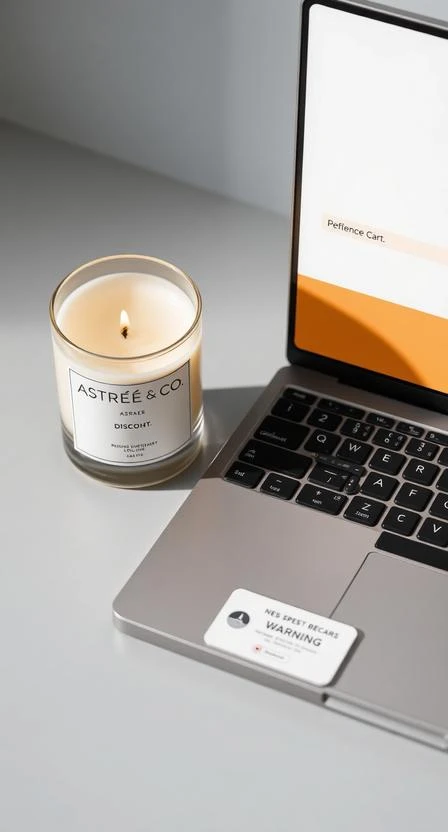






If your bundle discount doesn’t appear, it’s usually a cart eligibility issue or the items weren’t added through the bundle flow. Follow the checklist below.
Checklist
- Confirm your cart contains at least 2 bundle-eligible items.
- Refresh the cart/checkout page.
- If available, re-add items through the Build Your Bundle flow (not as separate single purchases).
- Remove conflicting discounts or promo codes and retry.
Promo code compatibility
If promo codes are active, compatibility can vary by campaign. If a code is not applicable, checkout may keep the best eligible discount.
Need help?
Contact support with a screenshot of your cart and mention which items you added and from where (bundle flow or single product pages).