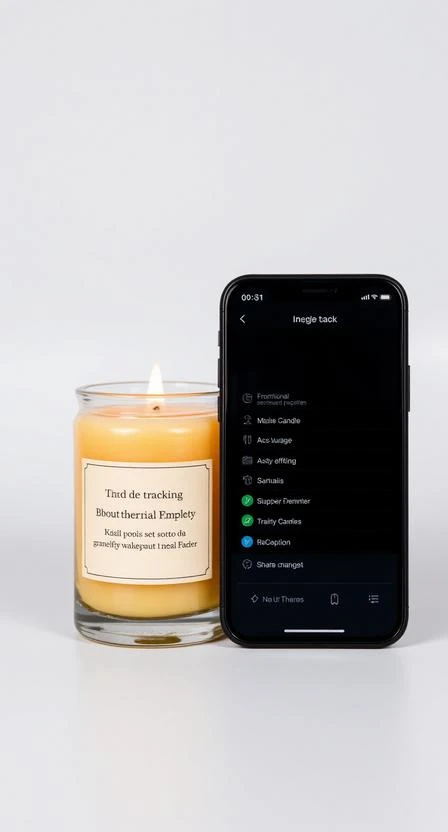







Once your order is dispatched, tracking becomes available (when provided by the carrier). Tracking updates can sometimes lag behind real movement.
Where to find tracking
- Open your order in Orders → Details (account orders page).
- Look for the tracking number or tracking link (if available).
- You may also receive tracking in a dispatch email.
Why tracking may not update
- The carrier hasn’t scanned the parcel yet (first scan delay).
- Scans are updated in batches (especially over weekends/holidays).
- Transit is moving but not scanned at every checkpoint.
When to contact support
If tracking hasn’t changed for an unusual time or the estimated delivery window has passed, contact support with your Order # and tracking number.