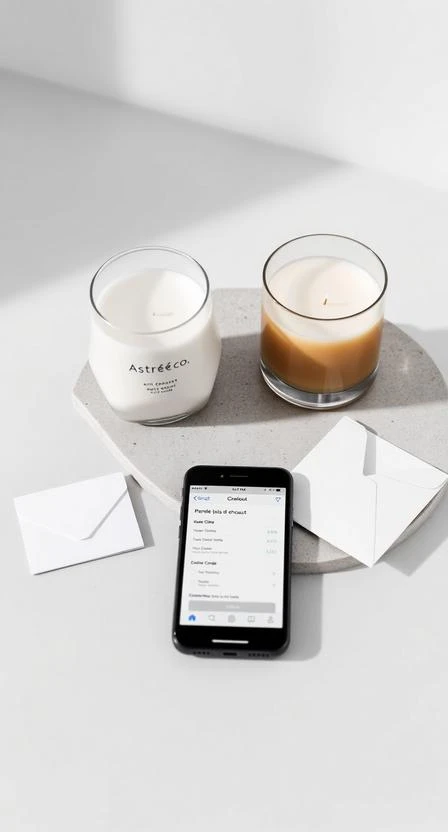







You can send an order directly to the recipient by entering their shipping address at checkout. Add a gift message for a more complete gifting experience.
How to send directly to a recipient
- At checkout, enter the recipient’s shipping address.
- Double-check phone number and delivery details (apartment/unit).
- Complete payment and keep the order confirmation for tracking.
Adding a gift message
If a gift message field is available at checkout, keep it short and clear. Avoid including delivery instructions in the message—use the address notes field for that instead.
Tip
If you want billing and shipping to match, use the “same address for billing” option when available.